
Client Virtual Events

Stay connected with the Leader Dog community through these upcoming virtual events designed to inform, support, and bring clients and their networks together.
For Clients
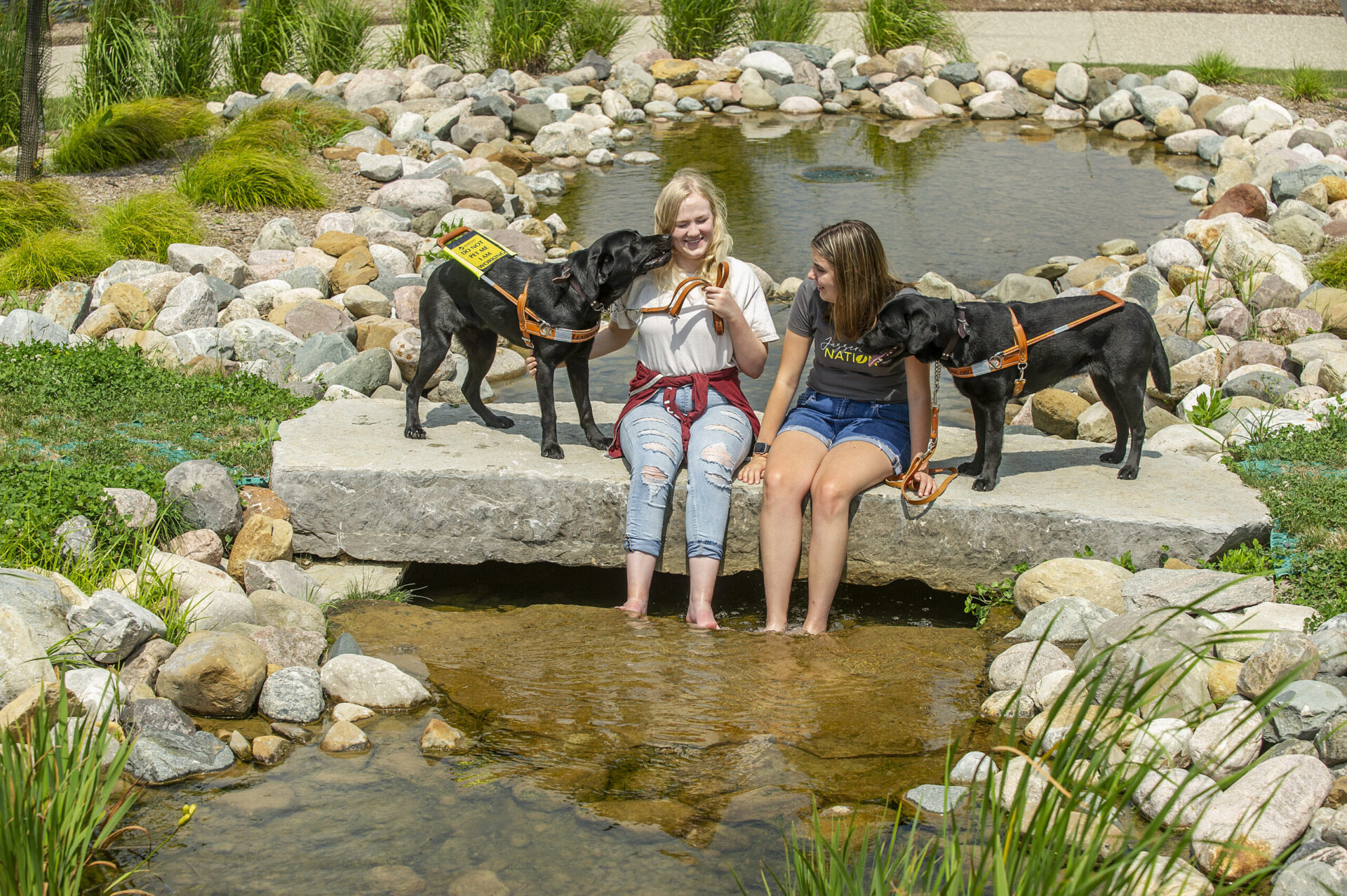
Peer Support Group
Connect with fellow Leader Dog clients for an engaging conversation focused on shared experiences.
Meeting ID: 819 5309 4360
Passcode: 201653
One tap mobile U.S.: +13052241968,,81953094360#,,,,*201653#
One tap mobile Canada: +16473744685,,81953094360#,,,,*201653#
For Clients
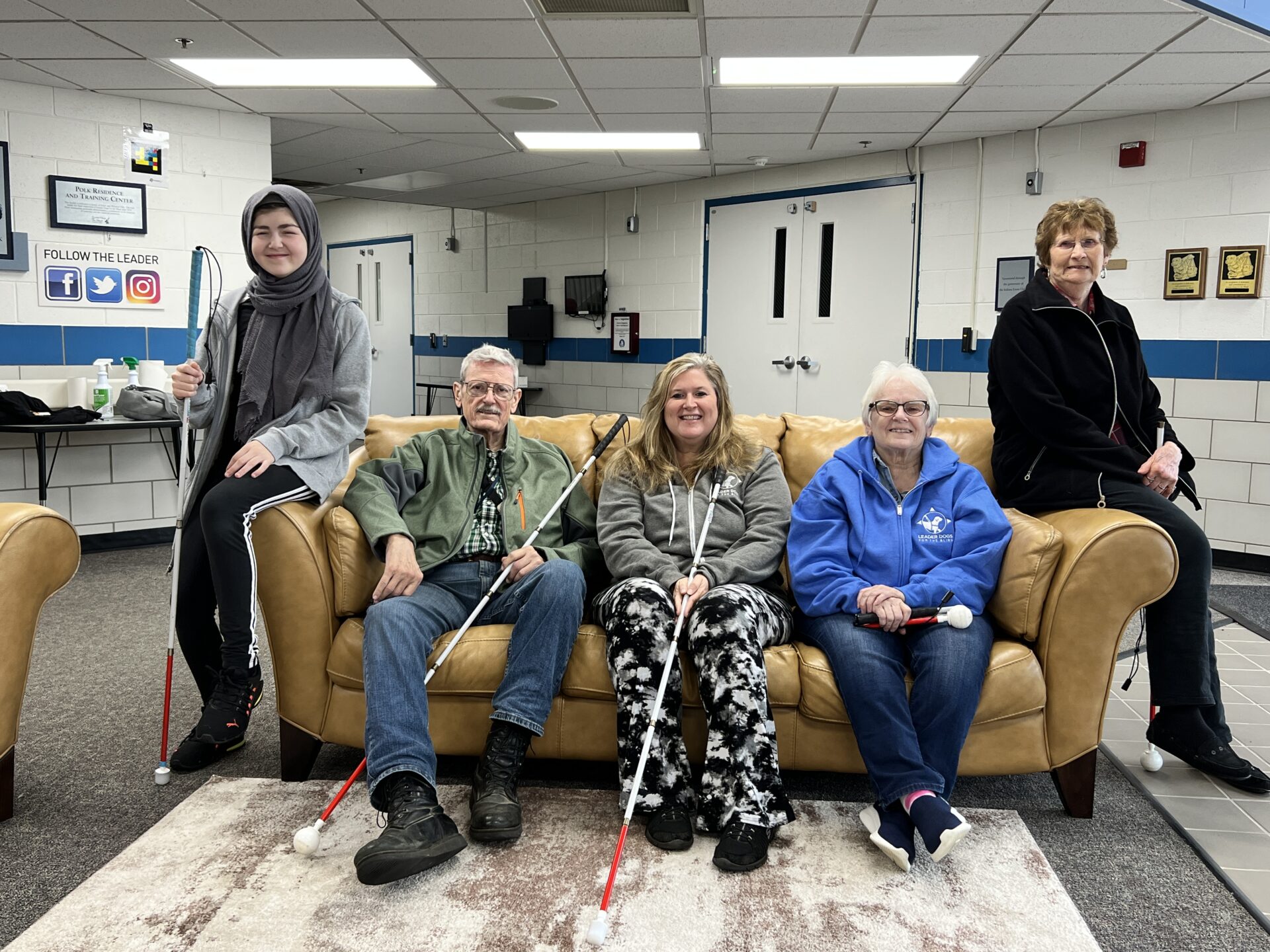
Quarterly Client Call
Join Leader Dog Chief Executive Officer Melissa Weisse and Chief Impact Officer Dani Landolt for updates from Leader Dog and an opportunity to hear about organizational initiatives and community news.
Do you have a question that you would like addressed during the quarterly client call? Please email questions to ClientServices@LeaderDog.org.
Meeting ID: 882 9673 4235
Passcode: 625442
ASL & Spanish interpretation provided.
For Client Support Network
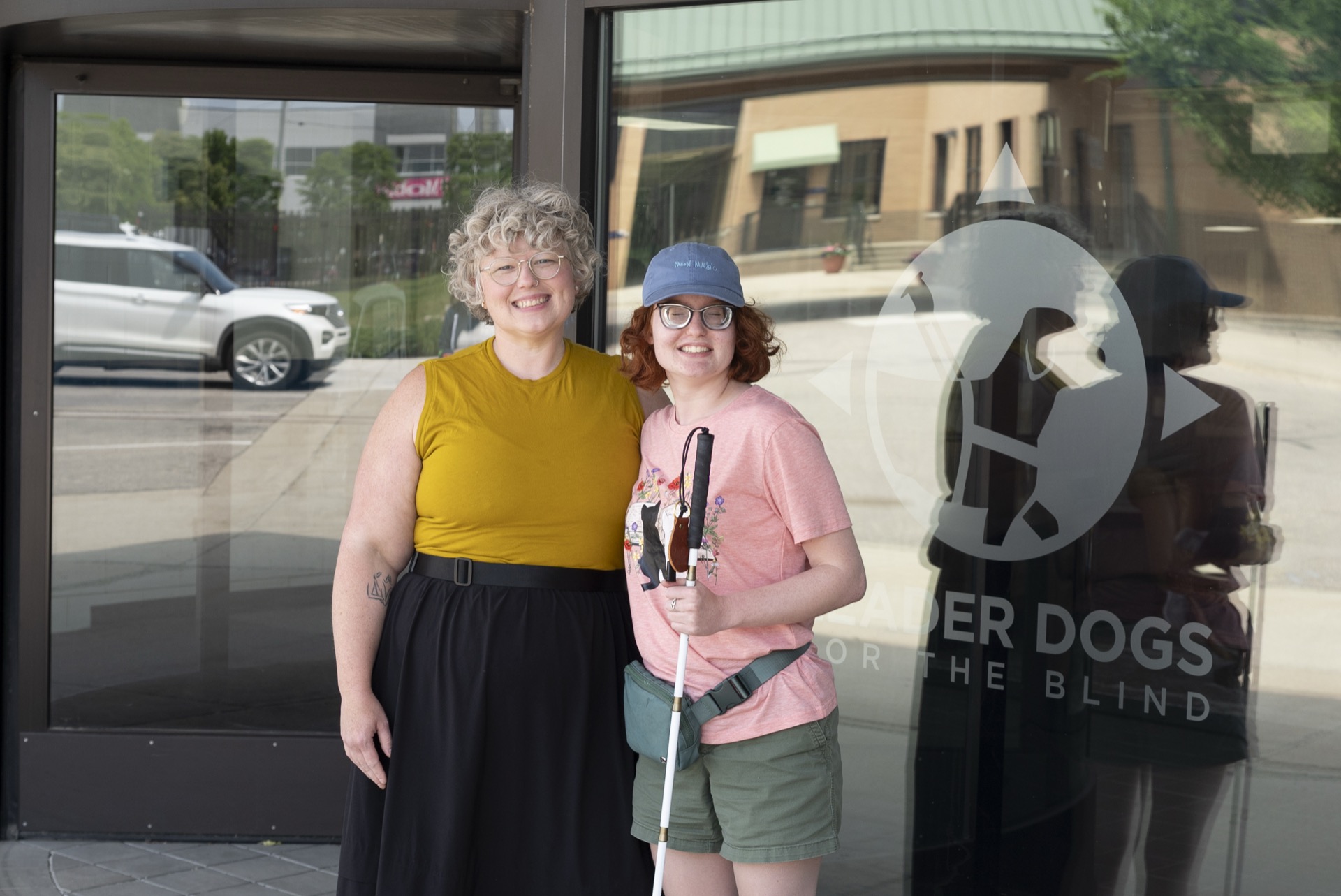
Meeting For Your Support Network
This virtual meeting is for family members, friends, and others who support Leader Dog clients.
Share the link from the button below for your support network to join the group.
Special Webinar
Giving Back to Your Dog
Join Outreach Specialist Alyssa Otis for an engaging webinar designed for clients, puppy raisers, and anyone who shares their life with a dog. Learn practical ways to enrich your dog’s daily life through brain games, TTouch techniques, and a better understanding of your dog’s needs and well-being.
Date: Thursday, September 3
Time: 3 p.m. to 4 p.m.
Zoom Reminders
- Alt + A mutes and unmutes your microphone
- Alt + H opens the chat window, and the TAB key brings you to where you type
- Alt + Y raises and lowers your hand
- The “raise hand” selection can be found by selecting the “reactions” button.
- Command + shift + A mutes and unmutes your microphone
- Command + shift + H opens the chat window, and the TAB key brings you to where you type
- Option + Y raises and lowers your hand
- The “raise hand” selection can be found by selecting the “reactions” button.
- If using an iPad or iPhone to join the call, the “mute,” “chat,” and “reactions” buttons are usually at the bottom of the device. The “raise hand” selection can be found by selecting the “reactions” button.
- If dialing in to the call, *6 mutes and unmutes your microphone, and *9 raises and lowers your hand.
Collaboration Events
Bi-monthly virtual meetings highlighting resources outside of Leader Dog.

Family, Friends and Supporters for the Blind
Join Us Monday, Sept 14 for a Virtual Group Meeting
Interested in learning more about blindness? Join our virtual group meeting to learn from others, build understanding, and discover ways to provide meaningful support to people who are blind or have low vision.
Change lives today by donating to the Summer of Hope Fund.
LAST CHANCE to take advantage of our Matching Gift Challenge
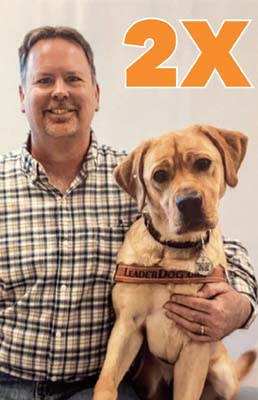
Support our $60,000 Matching Gift Challenge and have your gift DOUBLED!
Join Us For Dinner in the Dark!
Presented by AAA The Auto Club Group - March 20, 2026
Our signature fundraiser will take place at the Palazzo Grande in Shelby Township, MI. Every dollar raised supports life-changing programs at no cost to our clients, empowering people who are blind or low vision to live independent, confident lives.
The evening includes a family style dinner, an open bar, hors d'oeuvres, an ice cream and cannoli platter, an espresso station, and on-location parking.

A New Issue of the Faithful Friends Newsletter Is Out!
In our latest Faithful Friends newsletter, we highlight ways we are helping Leader Dog clients — and we invite you to learn how you can make a difference.